⮜ Go Back
Los Gatos
About
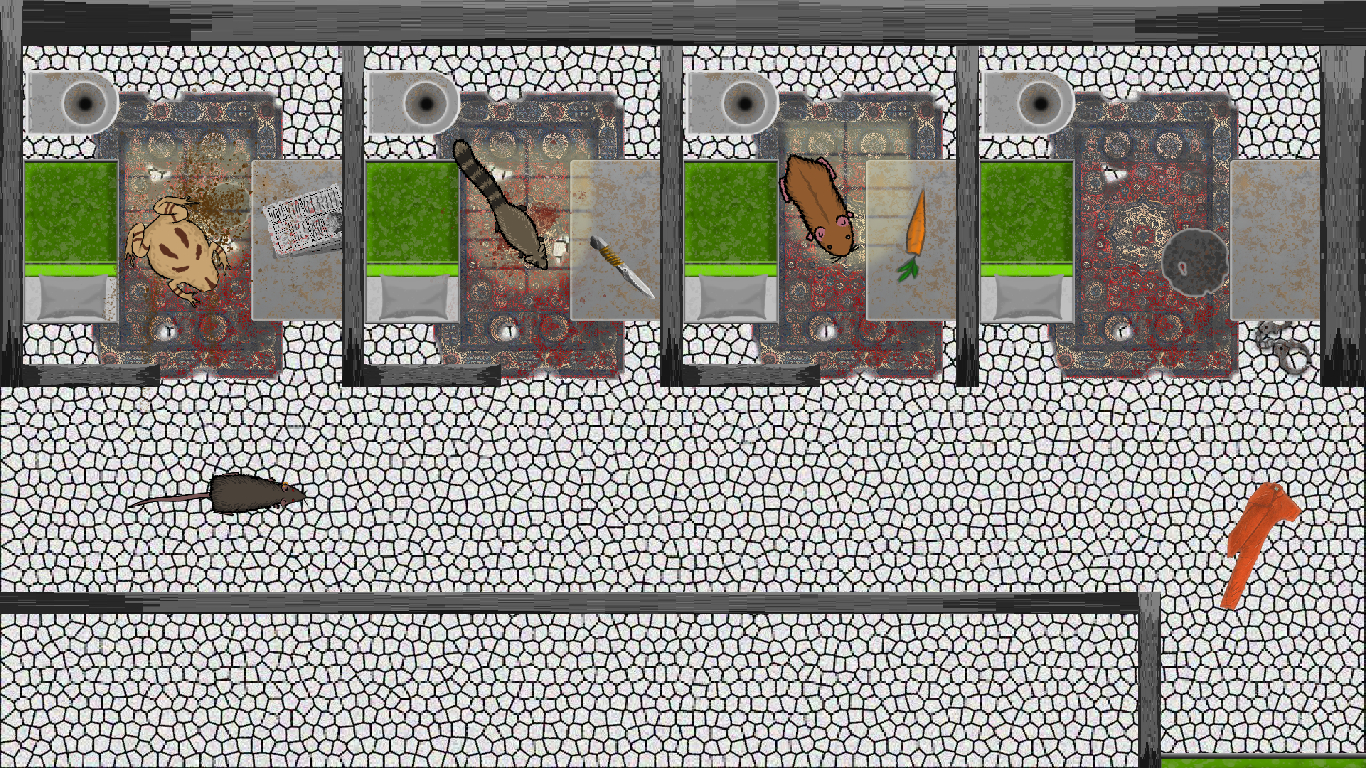
Los Gatos is a top-down rpg game based on a prison escape. In this adventure, our little Pierre needs to find his way out of prison while making friends with other inmates to increase his chanses. While doing that he must find clues and items to expose the truth behind his false accusation.
Project Info
Introduction
This demo game was a fun and challenging project for me, where I had the opportunity to work in GameMaker for my first time and learn a new programming language.
In order to learn this new engine I had to slower my performance to give me time to properly learn the language and how GameMaker works and execute the scripts. So I decided to create a few test game following GameMakerofficial tutorials before starting to work on this game.
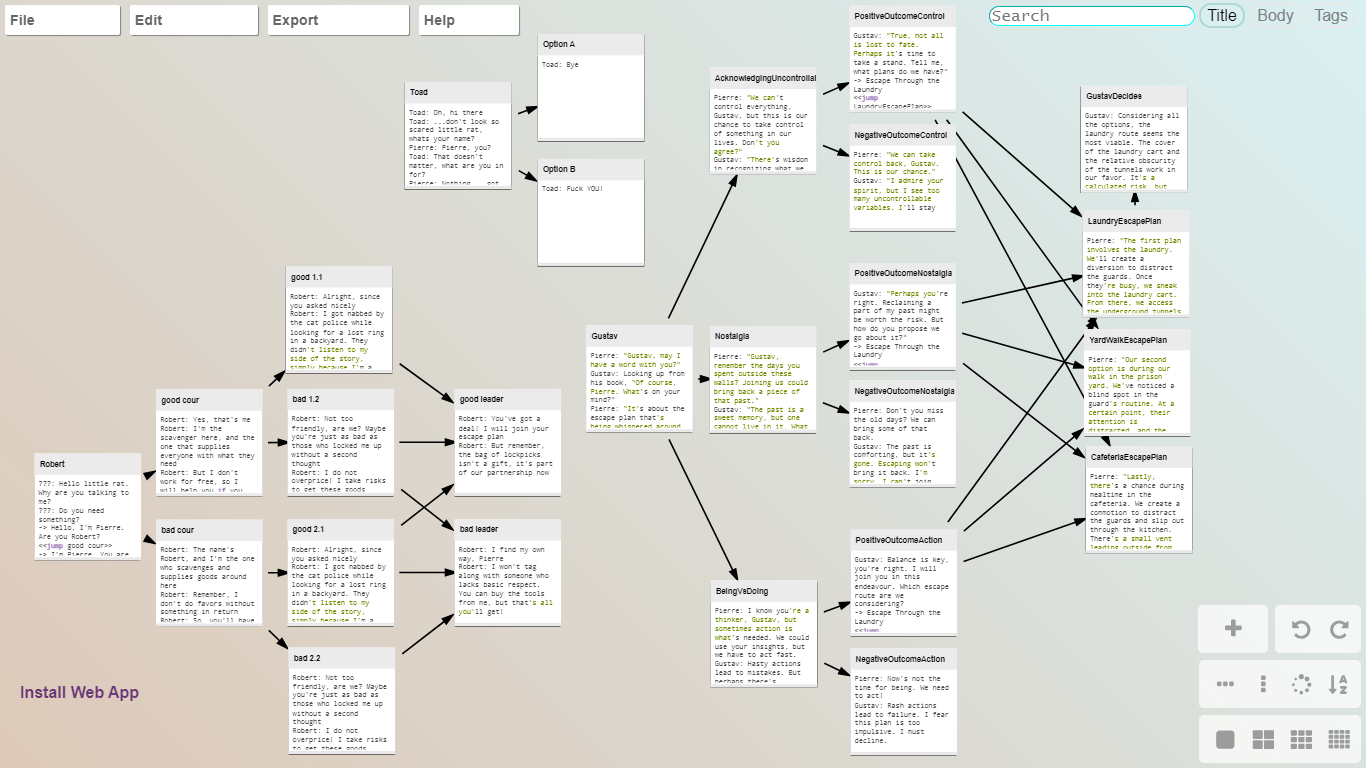
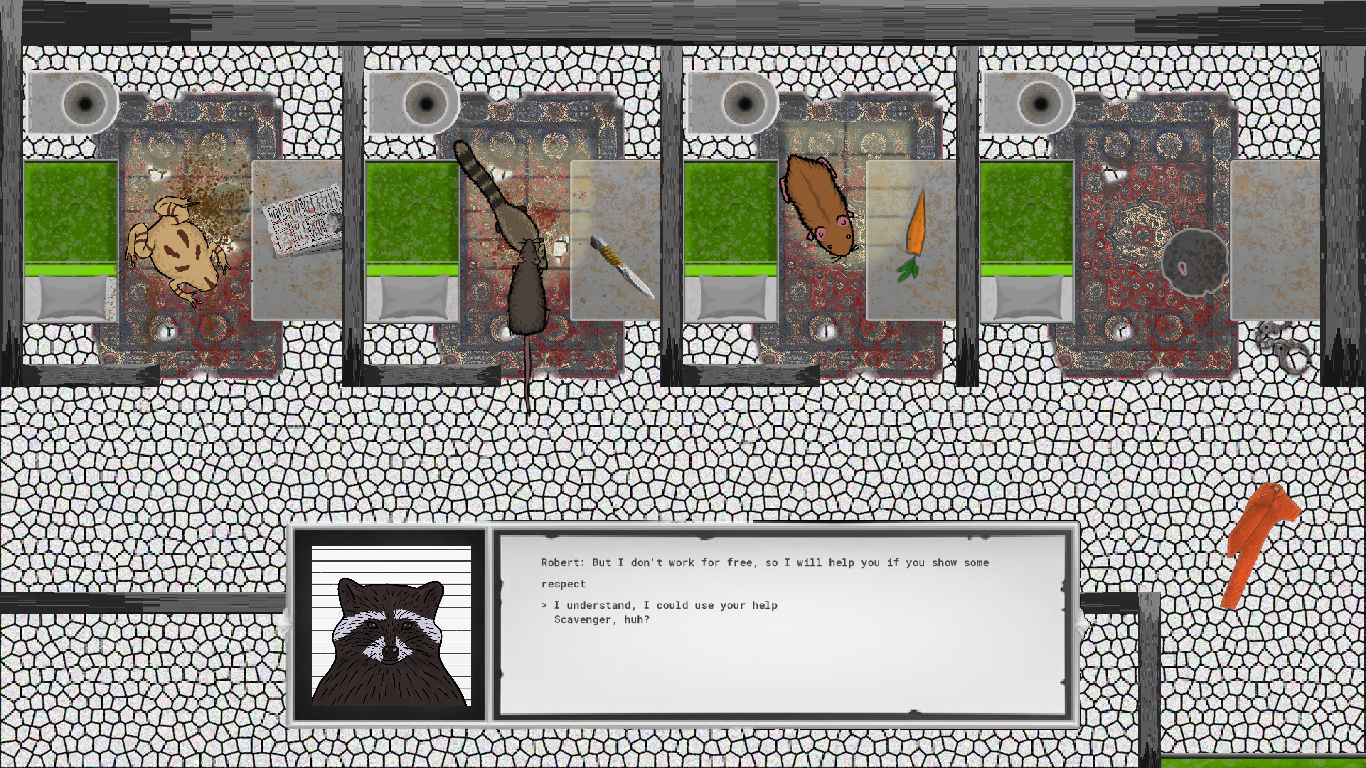
Working on a game based on a dialogue system was still really hard for me as there was so little documentation about it. Anyways I managed to created a branching dialogue that works perfecty for the game, leaving me with a fun and challenging experience.
Working on a team was a fun and educational experience as it allows for a more dynamic and collaborative work environment, where I can bounce ideas off of the other programmer and learn from his diverse perspectives and expertise. However, I prefer working as the only programmer as it allows me to focus on every part of the project without having to study other programmers way of writing code, so to be able to make scripts interract with each other more easly and quickly. Hopefully, during this project we managed to split our job perfectly and without having to look into each others code.
The dialogue system
This wasn't my first time developing a dialogue system, as I already created one but in Unity. Because of that I initially though it was gonna be similar, but I was wrong. While on Unity I could create my own dialogue manager with the relative dialogue branching, on GameMaker I had to rely on Chatterbox and Crochet, where Chatterbox is an implementation for GameMaker, that manage the external dialogue editor Crochet.
This gave me a bit of trouble as there was little documentation and difficulty in linking a certain response to a defined script. Unfortunately for us we didn't had much time so I had to create a branching dialogue without effect or visual action related to the dialog.
What I learned
In this project I learned a lot about cooperation and programming together with others. Before this project I always worked alone and therefore as the only programmer and thanks to that I now understand better the concept of cooperation. That because cooperation between us team members was fundamental to develop this game, even if just a demo. Everyone needed to work accordingly to the other in order to make the project playable, from the sprites size to the game environment.
Thanks to how GameMaker operate I was also able to get a deeper understanding about the artist role and how, for example, having sprites with the right size can affect positively the development. Now I understand that a competent artist can make the difference in the mole of work a programmer will need to handle.
During my studies to learn how to use GameMaker I realized I wasn't writing my code well because I wanted to have everything already done. Now I learned that I was doing the wrong thing and I started using a more practical approach where I only code what is necessary and implement the rest later on, which I have been enjoyed lately.